Medieval Font Generator
Type a name or short phrase. Copy it as Unicode blackletter or save it as a 1200 × 630 PNG rendered in Pirata One.
Up to 48 characters. Pirata One works best with Latin text.
Unicode blackletter
𝔊𝔬𝔱𝔥𝔦𝔠 𝔗𝔞𝔩𝔢𝔰
Pirata One preview
Gothic Tales
What “medieval font” actually means
In this tool, “medieval font” refers to blackletter, a family of lettering styles also described as Gothic. Four names help you describe the letterforms you want.
- Textura
- Narrow lowercase letters with angular strokes and diamond-shaped endings.
- Rotunda
- A broader form with softer, more open curves.
- Schwabacher
- Rounder and broader than Textura, with a more cursive character.
- Fraktur
- Angular strokes paired with sweeping capitals and fine entry and exit strokes.
Compare the letterforms in Faber’s blackletter overview and the Alte Schwabacher specimen.
This page focuses on the blackletter family and explains those four forms. The tool outputs Unicode Fraktur and Pirata One lettering. For 16 general-purpose styles, including bold, script and circled letters, use the Fancy Text Generator.
How to use this generator
- Enter a short phrase. Both results update as you type.
- Copy text for a bio, nickname or message where you can paste characters. Try the result in the destination app to check its appearance.
- Download PNG for a design, print reference or post where the letterforms need to look the same when shared.
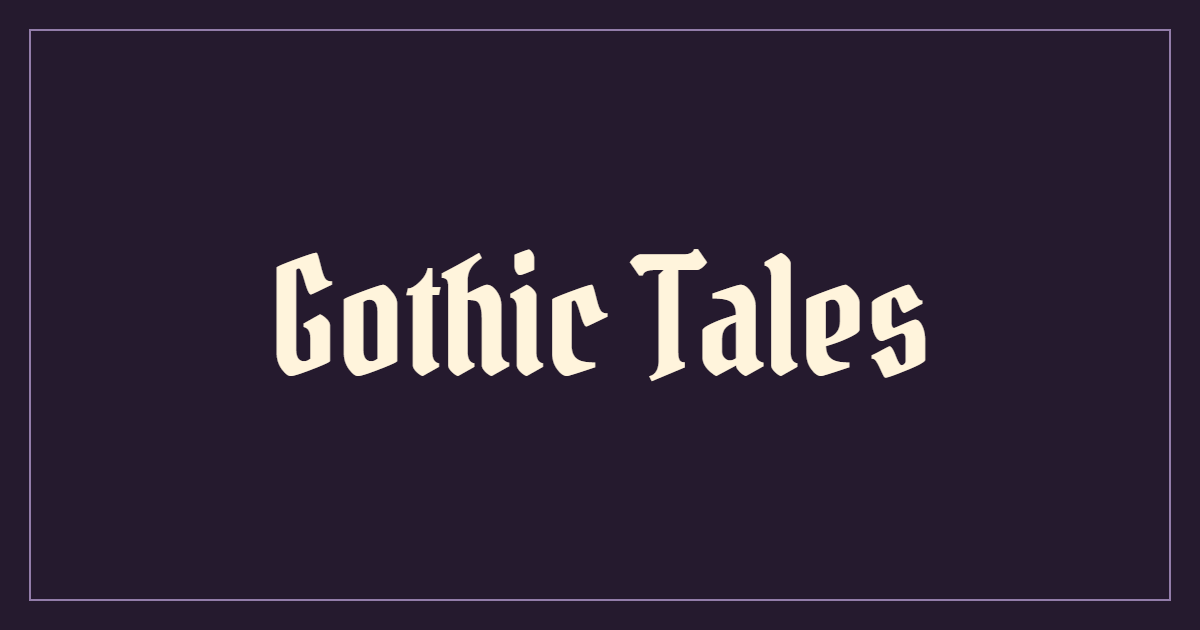
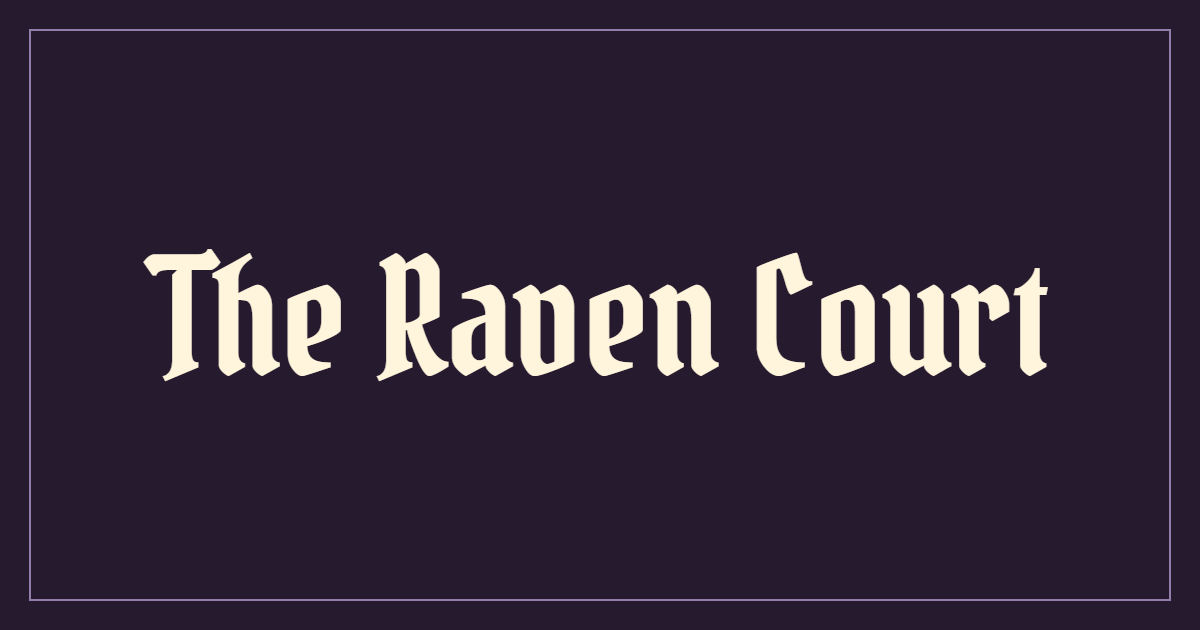
Copy-and-paste text vs. real blackletter type
The copy-and-paste option in this medieval text generator swaps A–Z and a–z for Unicode Fraktur symbols such as 𝔊𝔬𝔱𝔥𝔦𝔠. Digits stay plain because Unicode has no Fraktur digit set. You can paste the result into fields that accept Unicode, though the app may display it differently or reject some characters.
The PNG option keeps your original wording and renders it with a real blackletter typeface. The letter shapes are baked into the pixels, so the recipient does not need Pirata One installed. Use the image when the shape of the letters matters, and include the wording in a caption or alt text when people need to read it with assistive technology.
For a different approach to lettering images, try the GTA-style PNG tool. You can also browse all tools.
Where people use blackletter text
Use this blackletter font generator to draft a logo, try a name for a tattoo reference, or set a short wedding invitation heading. Keep fine print in a readable face and check the letter spacing at the final size.
If you came looking for a gothic text generator for an Instagram bio or Discord nickname, paste the Unicode result into the intended field and check it there. For a DnD campaign title or handout, the PNG preserves the same lettering when you send it to the group.
Why some blackletter text shows as empty boxes
A box usually means the app and its fallback fonts lack a glyph for that character. Unicode Fraktur can hit this problem on some Android devices and older systems, even if the result looks fine on the device that copied it. A different app may have different font coverage. If the exact look matters, share the PNG, or use plain text where everyone needs to read the words.
Font licensing
Pirata One is available under the SIL Open Font License 1.1. The license permits commercial artwork and lets this site bundle the font for rendering. “Pirata” is a Reserved Font Name. Modified versions require written permission from the copyright holders to use that name. This tool offers copied text and rendered PNGs.
Frequently asked questions
What font does this use?
The live image preview and PNG use Pirata One by Rodrigo Fuenzalida and Nicolas Massi. The copy output uses Unicode Fraktur letters and takes its appearance from the receiving device.
Is this medieval font free for commercial use?
Yes. The SIL Open Font License 1.1 permits commercial use of Pirata One, including lettering in your PNG artwork. The license prohibits selling the font by itself and reserves the name Pirata for versions authorized by the copyright holders.
Can I copy the text instead of downloading an image?
Yes. Choose Copy text and paste the Unicode letters into a text field. If clipboard access is blocked, the tool opens a field with the result selected for manual copying.
Why does the text show as empty boxes on my phone?
The app or device may lack a font with glyphs for the Fraktur characters. Try a different app, use plain text, or share the PNG to keep the lettering visible.
Can I download the font file itself?
This tool provides rendered results as copyable Unicode and PNG images. It does not offer the font file as a download.
Can I use the PNG as a tattoo reference?
Yes. Save the PNG and show it to your tattoo artist. Ask them to check the spelling, spacing and fine strokes at the intended size before drawing the stencil.
Font credit: Pirata One © 2012 Rodrigo Fuenzalida and Nicolas Massi. Read the original SIL Open Font License 1.1.